 Flixtasy
Everything you need to make, share and earn.
FlixStudio is the creator dashboard. AI tools to make a whole series, social media management to reach viewers everywhere, and Flix Assistant to do tasks for you, right inside FlixStudio.
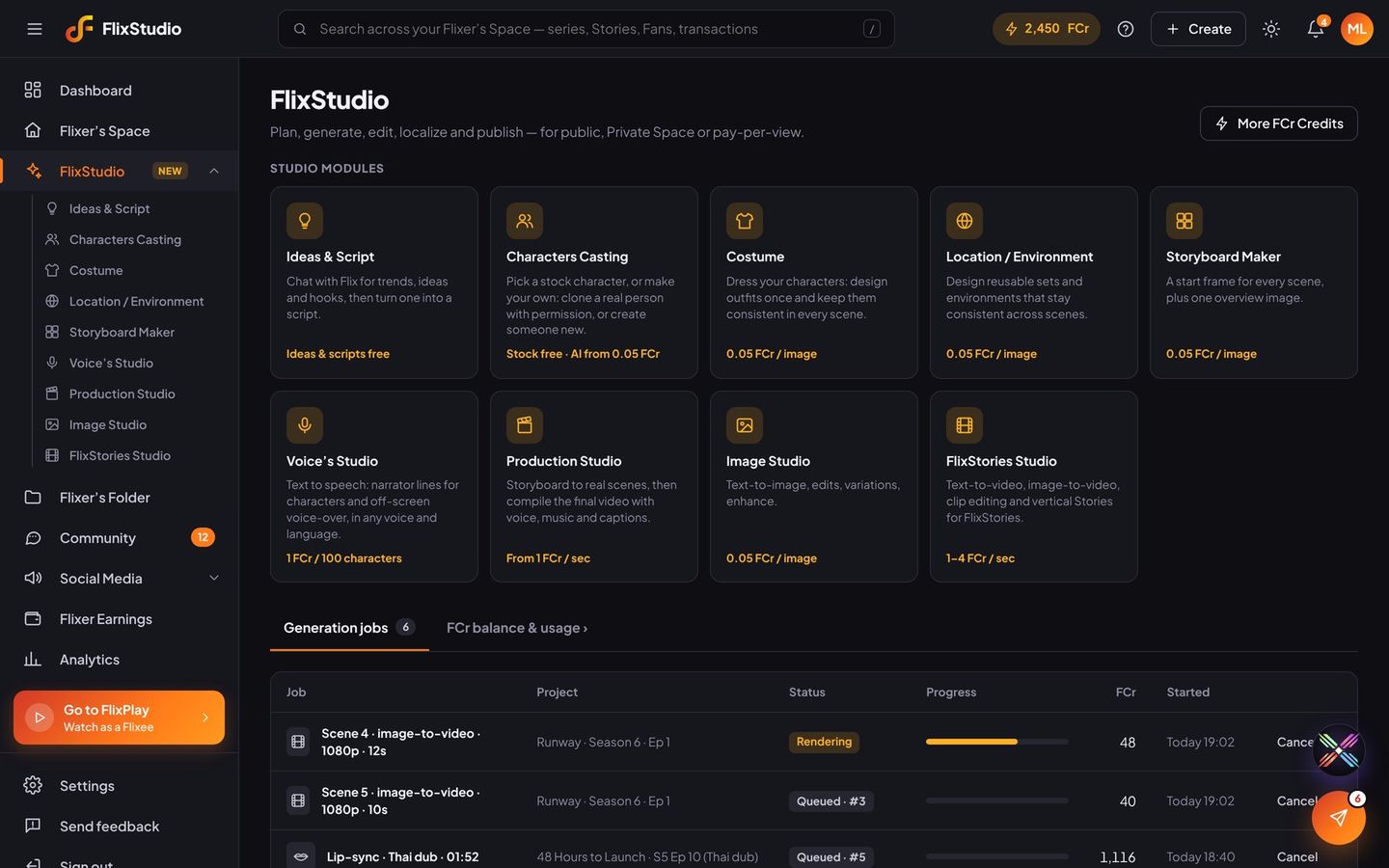
From a blank page to a finished series.
Each tool works on its own and hands its results to the next. Your characters, outfits and places stay the same in every scene, and every tool shows its price before it generates.
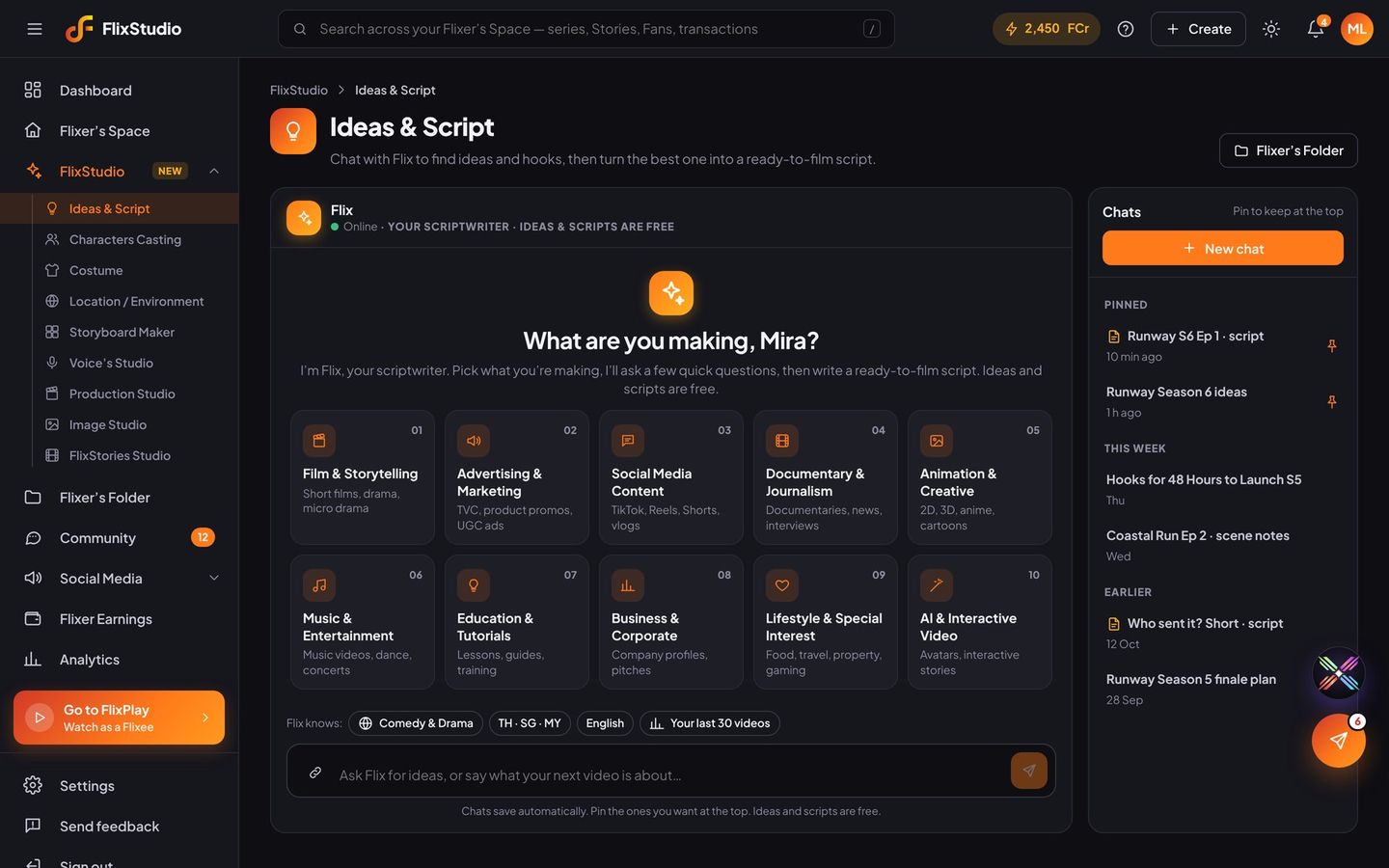
Ideas & Script
Chat with Flix about trends and hooks, then turn the best idea into a ready-to-film script.
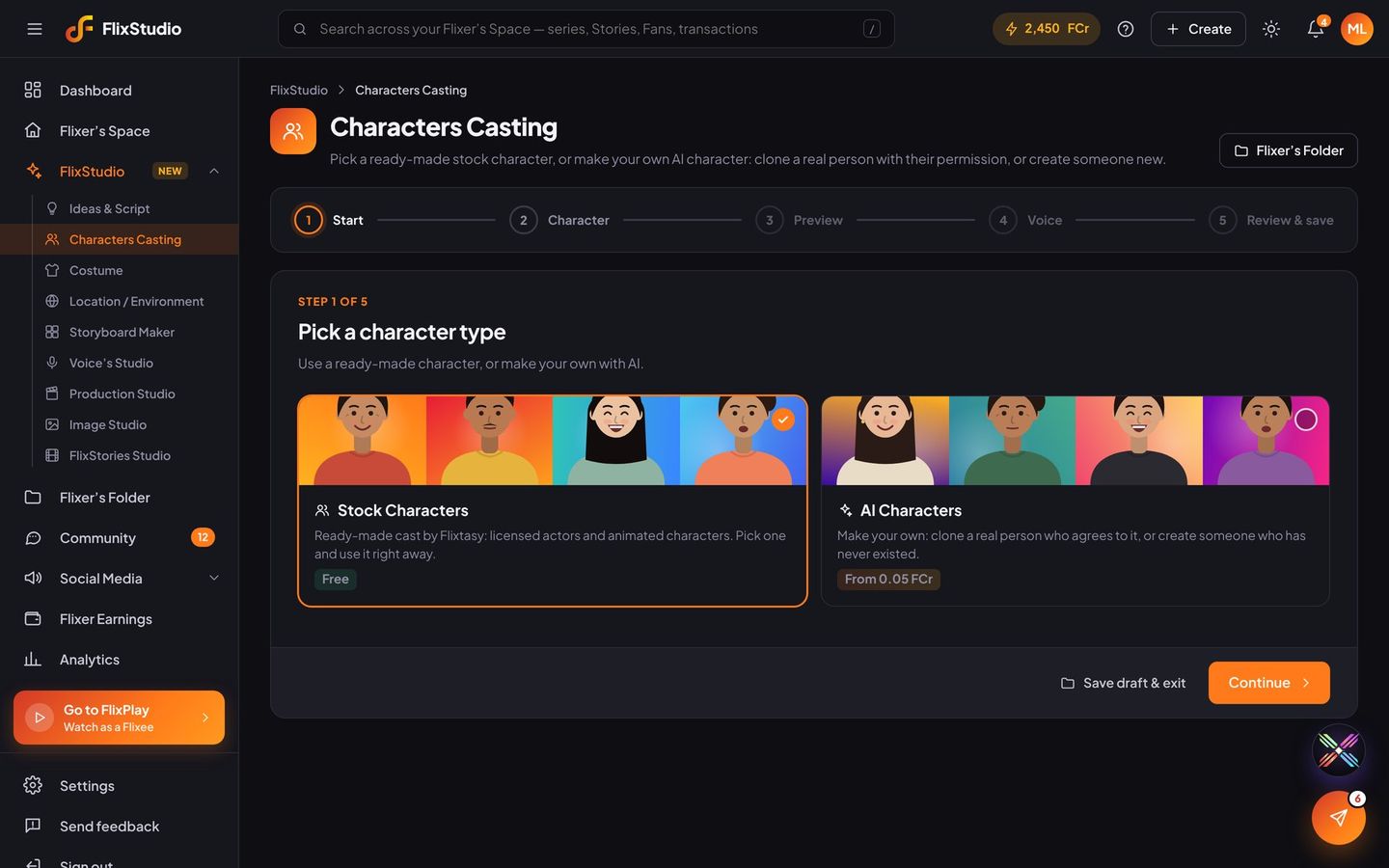
Characters Casting
Pick a stock character, create a new AI character, or clone a real person with their signed consent.
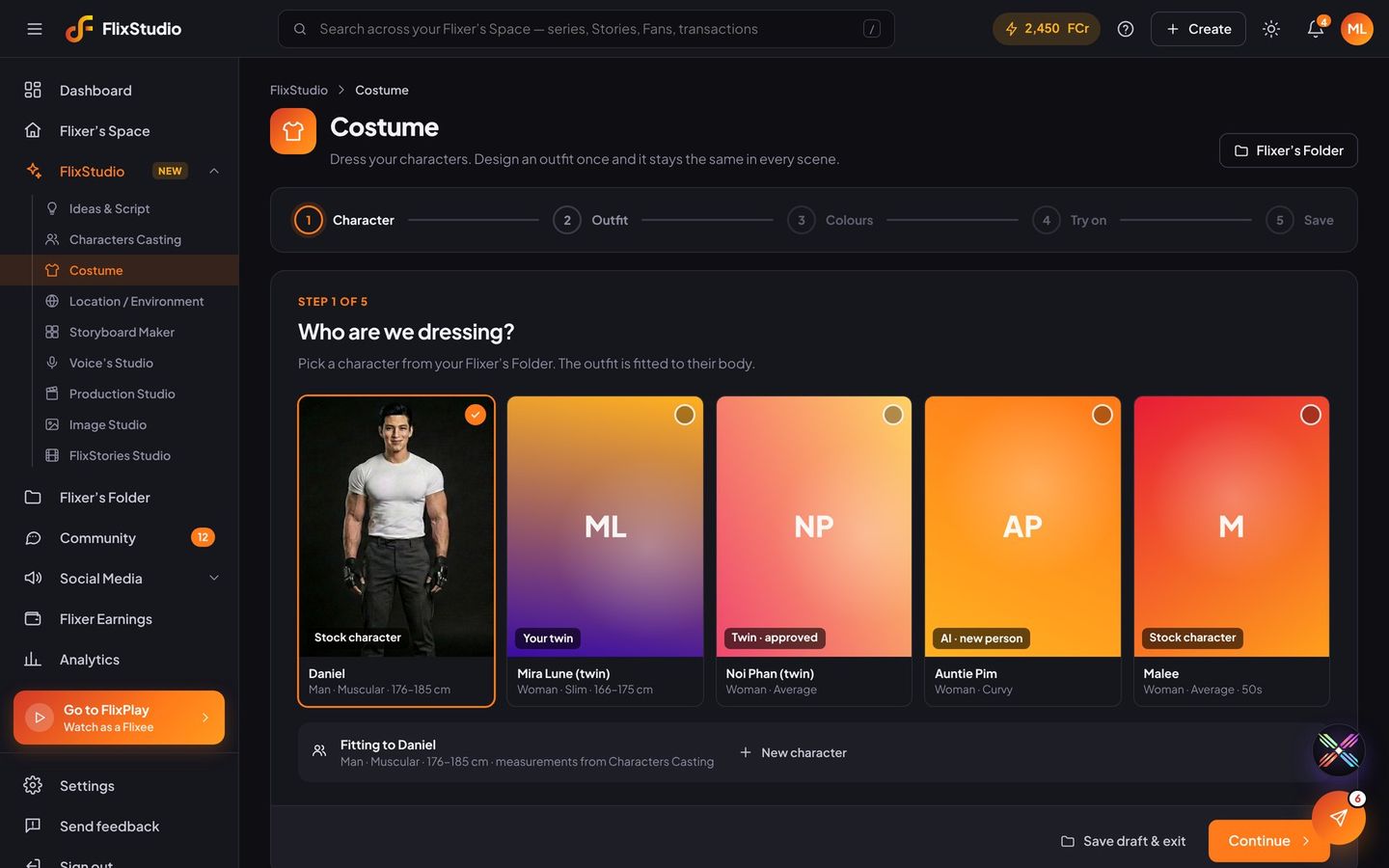
Costume
Design an outfit once and it stays the same in every scene. Sponsored outfits can earn too.
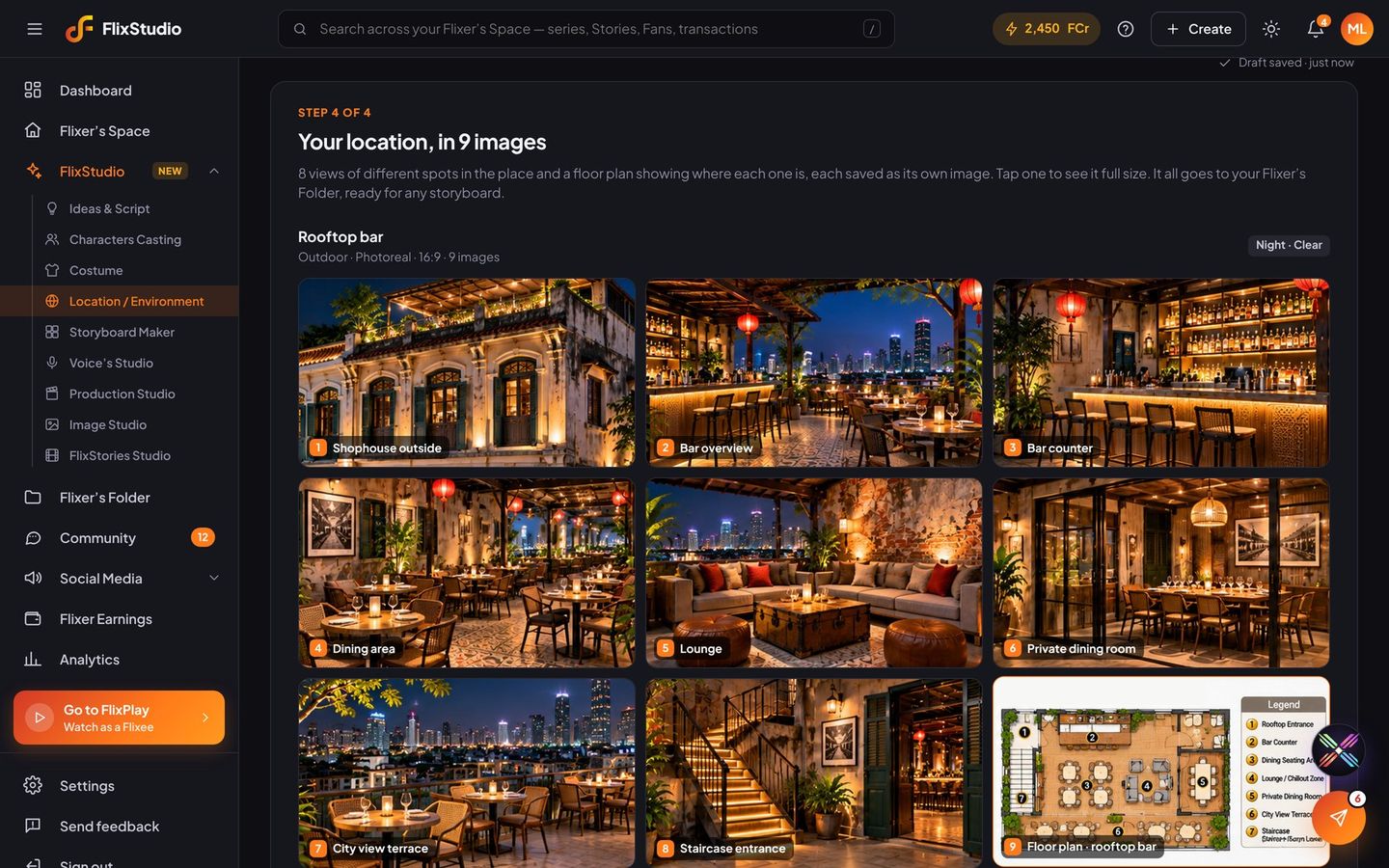
Location
Describe a place or pick a ready-made set. Flix makes 8 views of different spots and a floor plan, so every scene there matches.
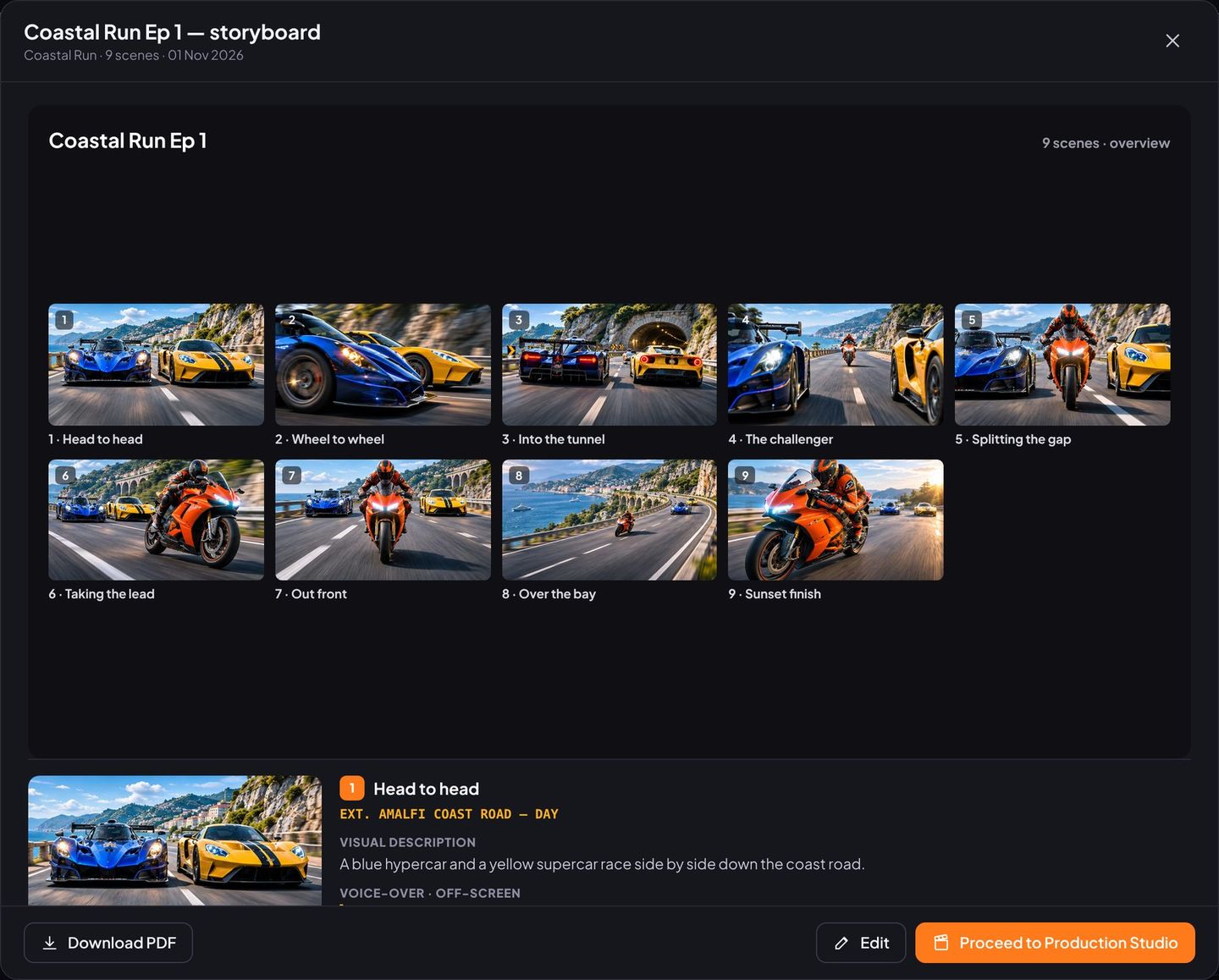
Storyboard Maker
From a script or a song: Flix splits it into scenes and makes a start frame for each one, for series or music videos.
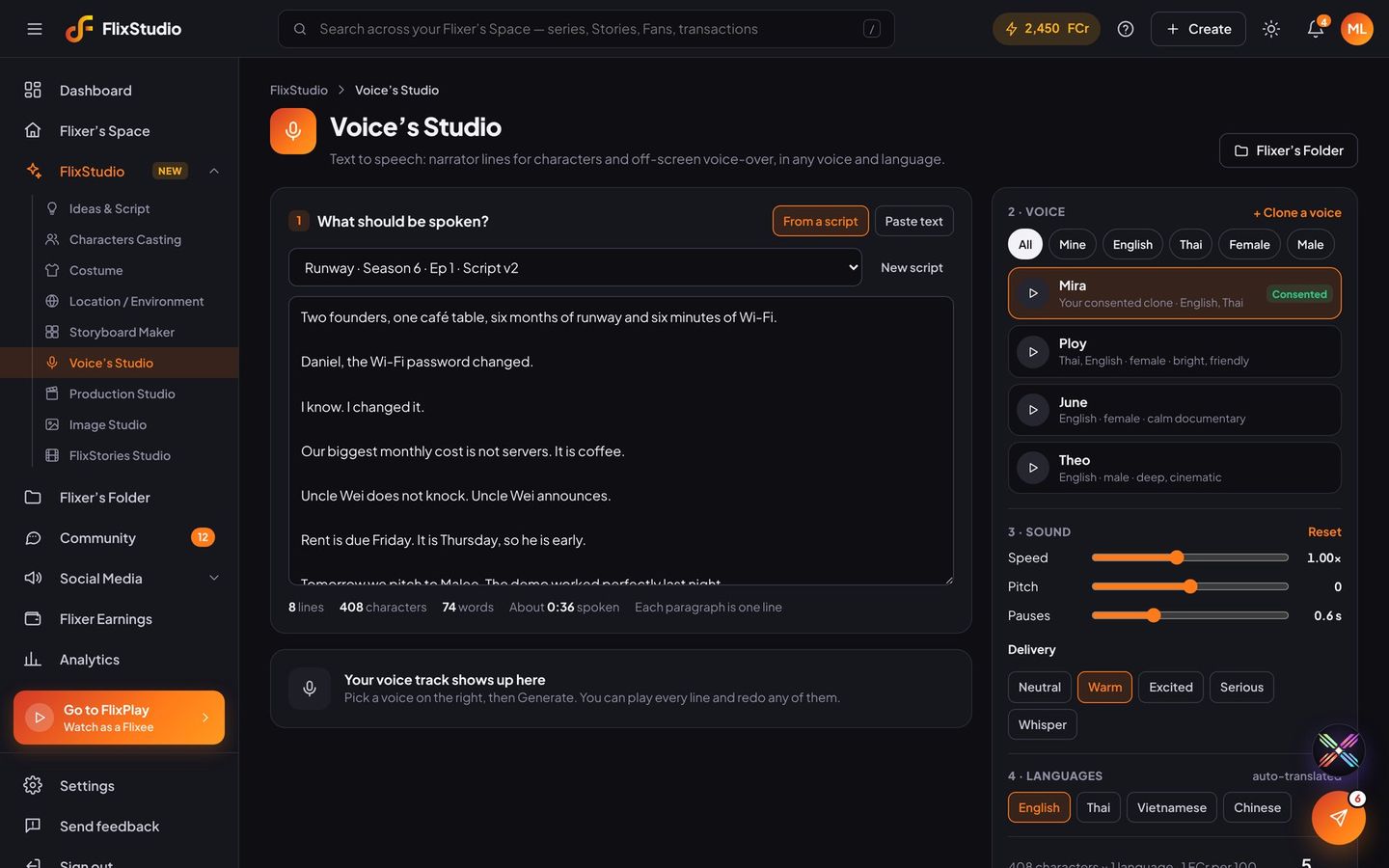
Voice’s Studio
Character lines and voice-over in any voice, including your own consented clone.
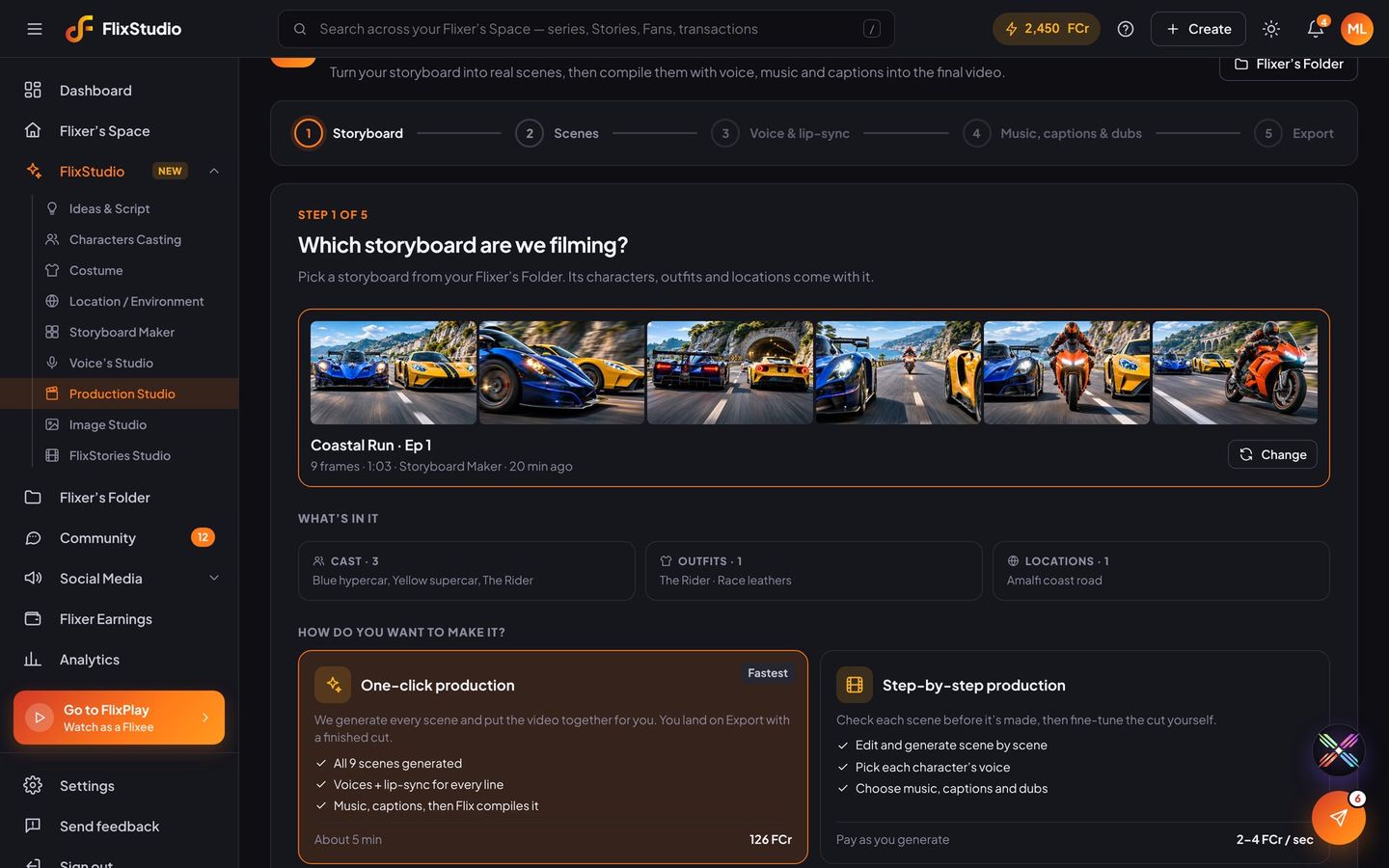
Production Studio
Scenes, lip-sync, music, captions and dubs, compiled into a finished episode in one click.
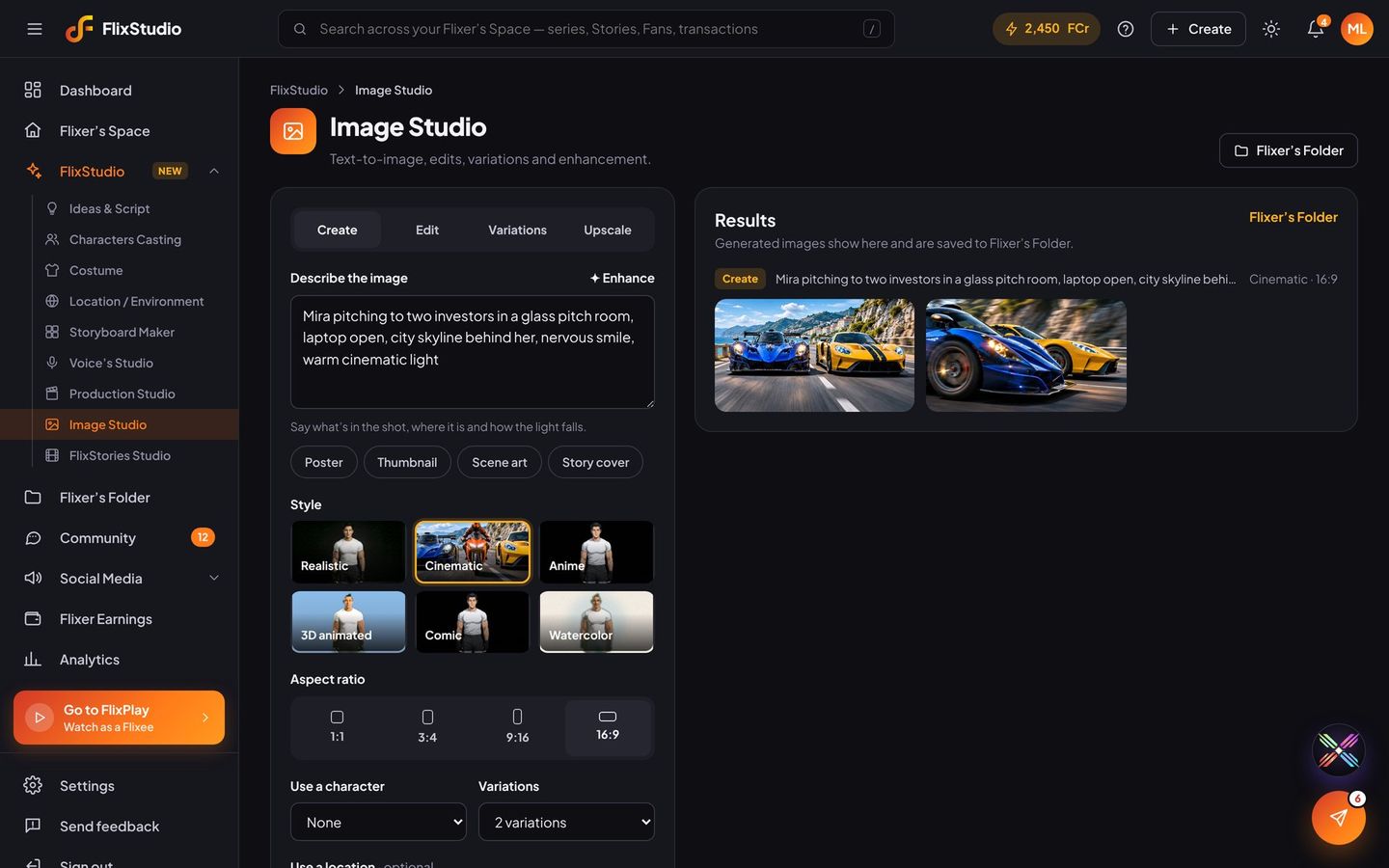
Image Studio
Posters, thumbnails and scene art in six styles, up to 8K.
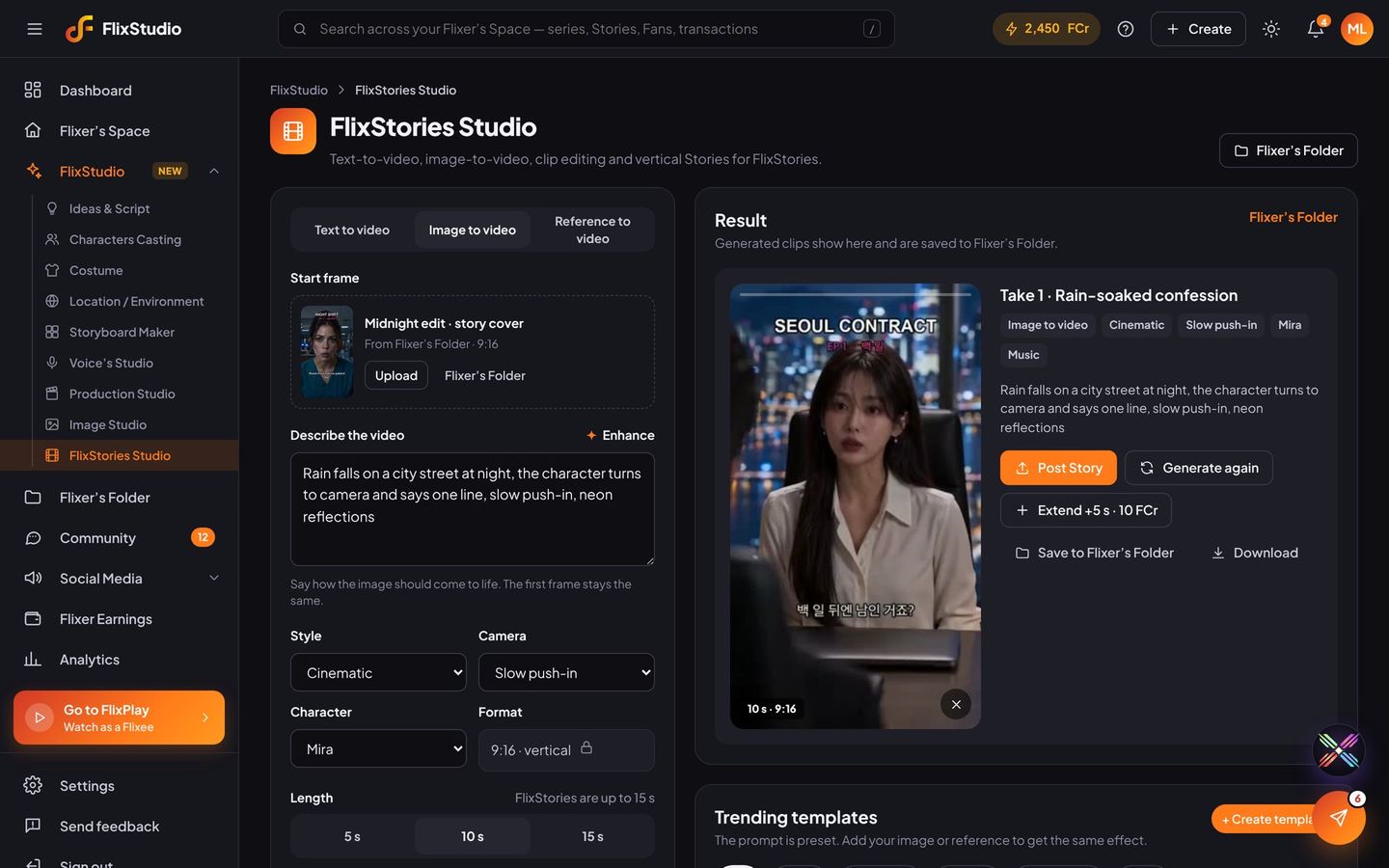
FlixStories Studio
15-second vertical teasers from text, an image or a reference video.
One click, or step by step
Let Flix produce the whole episode, or check and adjust each stage yourself.
Dubbed and lip-synced
Add Thai, Chinese, Vietnamese and more. Flix re-voices and re-lip-syncs every line.
Consent built in
Voice and face clones need the person’s signed consent before they can be used.
Ask Flix. It gets it done.
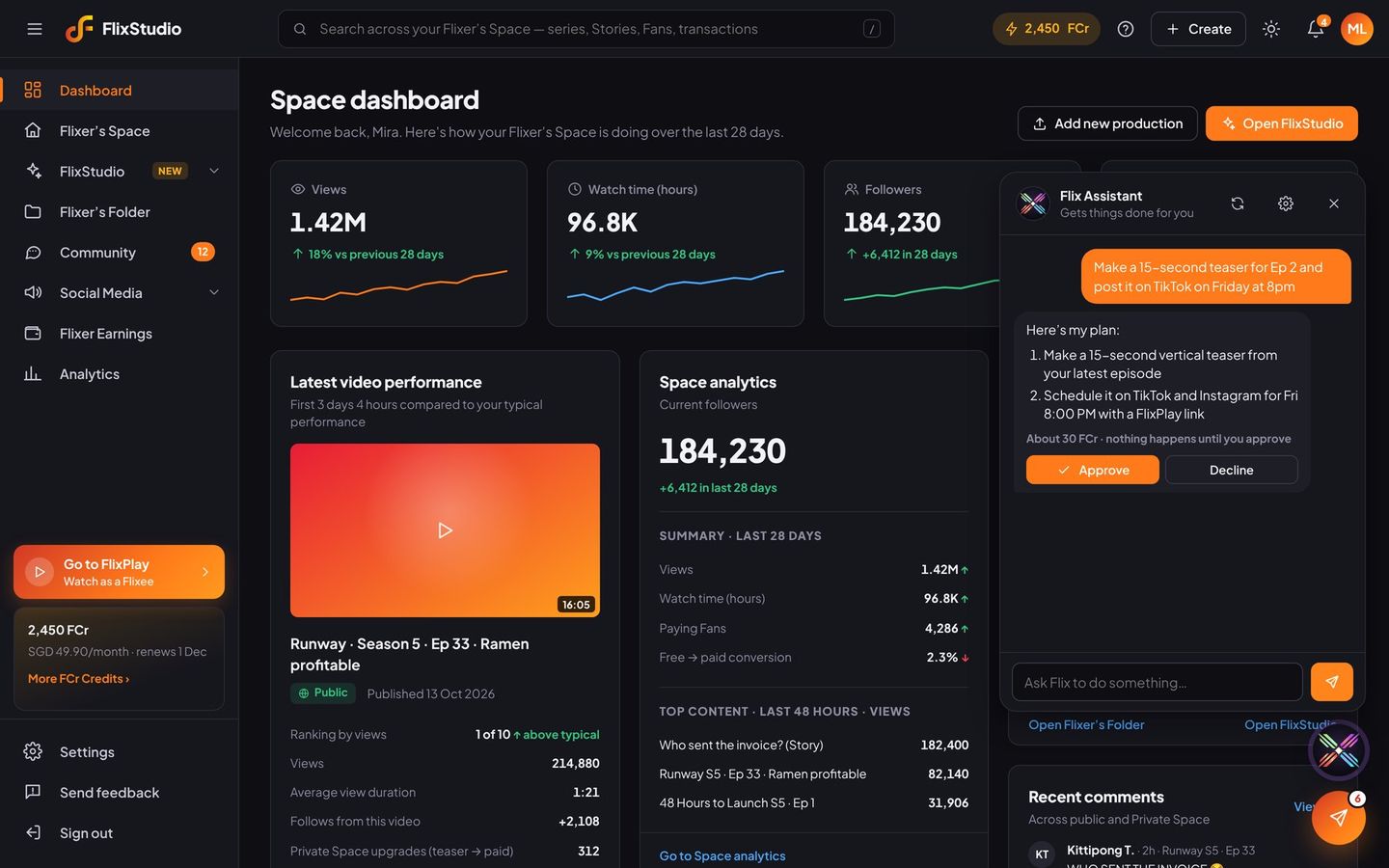
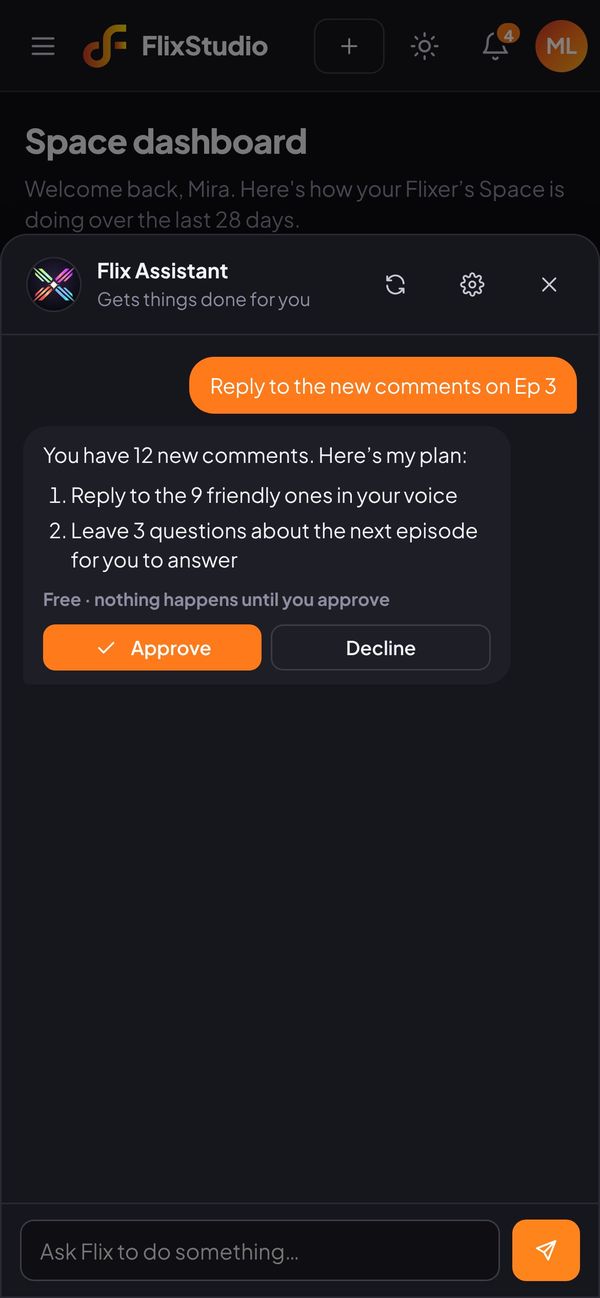
Tap the Flix button on any FlixStudio page and type a task the way you’d message a teammate. Flix Assistant plans the steps, shows what it will cost, and does the work in FlixStudio once you approve.
- Uses the same tools you do: teasers, scripts, storyboards, posts, replies, earnings and analytics
- Shows its plan and the FCr it will use before it starts
- Never goes public or spends FCr without your Approve
Ask
Tap the Flix button and type a task. “Make a teaser for Ep 2 and post it on Friday.”
Check the plan
Flix lists each step and how many FCr it will use. Ideas, scripts and replies are free.
Approve
Tap Approve and Flix does it in FlixStudio. Tap Decline and tell it what to change.
You stay in control
Payouts, bank details and your account are always off-limits, and every action is logged.
Choose what it can do
For each area pick Does it, Asks first or Off. Payouts, bank details and your account are always off.
A monthly FCr limit
Set how many FCr Flix can use in a month, and when to ask first for big jobs.
Activity log
Every task Flix does is logged, with what it made, where it posted and what it cost.
Your whole channel, at a glance.
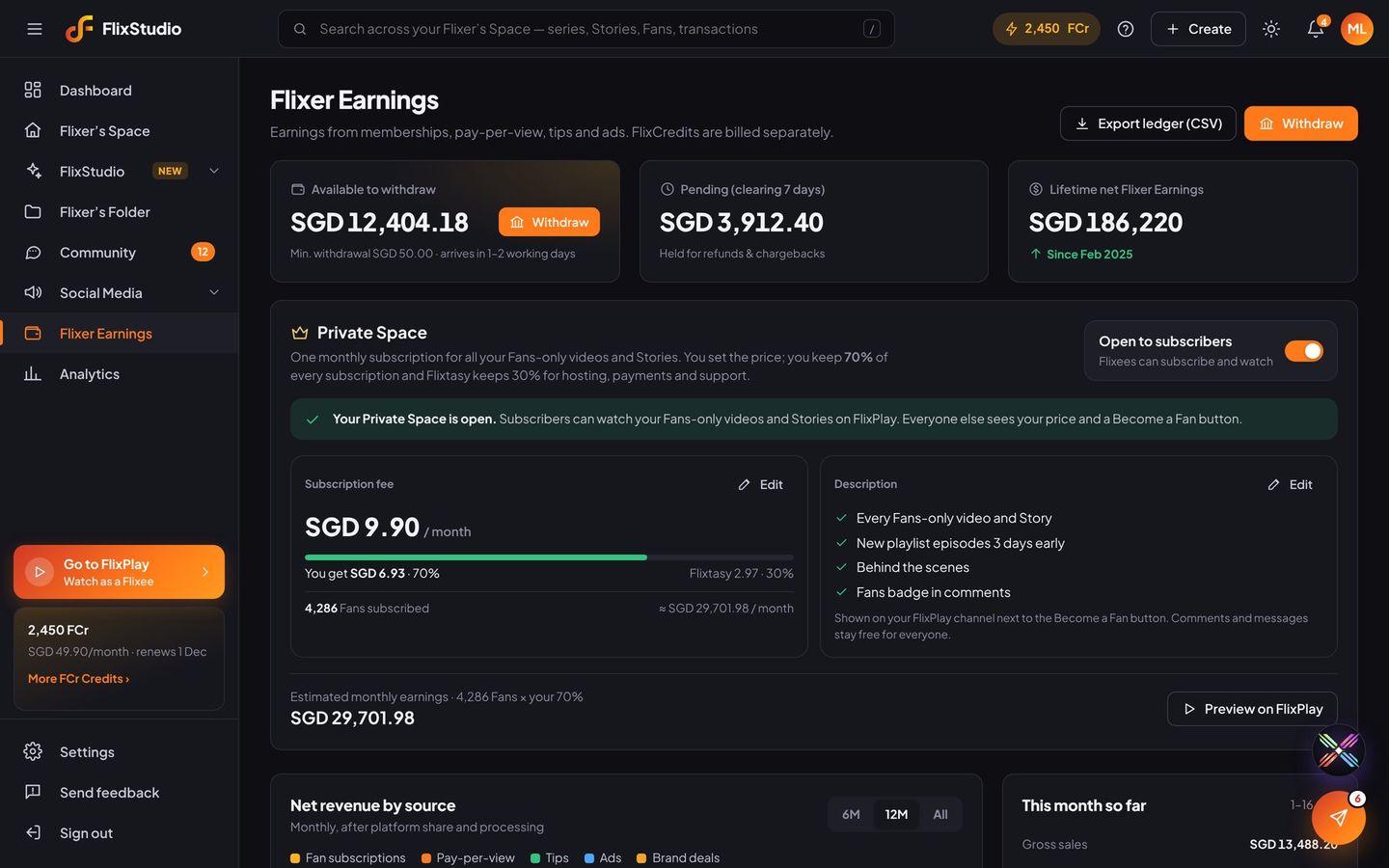
Flixer Earnings
Available, pending and lifetime earnings, revenue by source, a full ledger and monthly payouts to a local bank.
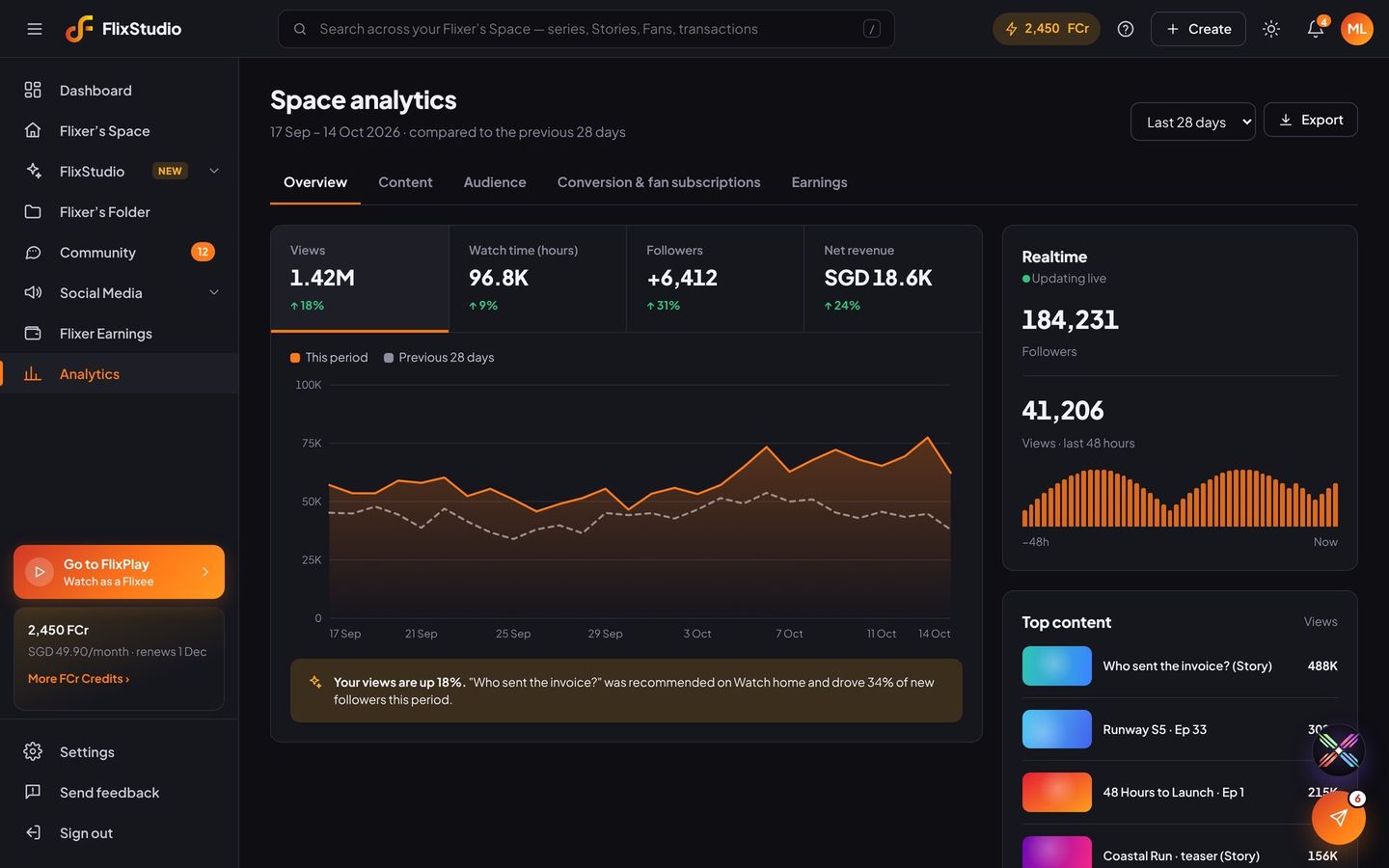
Analytics
Views, watch time, retention, traffic sources and how many Flixees became Fans, with tips from Flix.
Be one of the first Flixers.
Early access is opening in waves across Southeast Asia. Tell us what you want to make.
Post everywhere. Bring viewers to FlixPlay.
Connect your channels once, then post, schedule and broadcast from FlixStudio. Every post carries a link back to the episode, your channel or your Private Space.
One click. FlixPlay and every channel.
Add a Story in FlixStudio or FlixPlay, tap Post, and it goes to FlixPlay and every social channel you’ve connected. They’re all ticked for you.
Compose once
Pick an episode or Story from Flixer’s Folder, let Flix AI write the caption, and post or schedule it on several channels at once.
One inbox
Comments, DMs and chats from every channel together. Flix AI answers the easy ones; brand deals stay for you.
See what works
Reach and engagement for every post, plus the clicks to FlixPlay and the new Fans it brought.
Broadcasts
Send to your WhatsApp, Telegram and LINE lists. Anyone who asked to stop is always skipped.
Calendar
See what’s scheduled across every channel, and move things around.
Telegram groups
Post to your Telegram channels and groups, and check your bot can post there.
Write it with Flix AI
Choose the format for each platform, add up to four images or an episode, a first comment with your link, and auto replies.